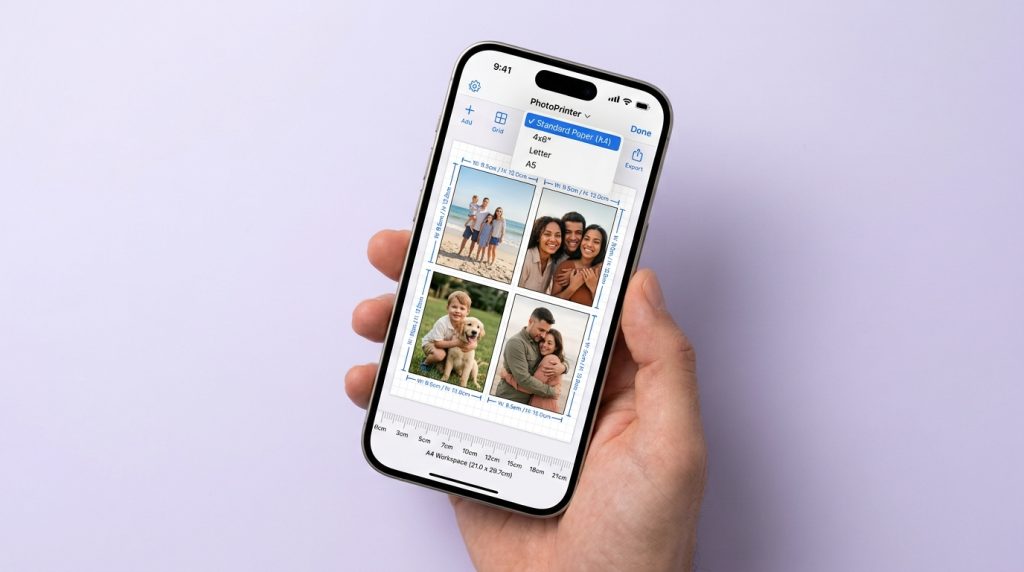
What's the difference between printing multiple pictures on one page and on multiple pages?
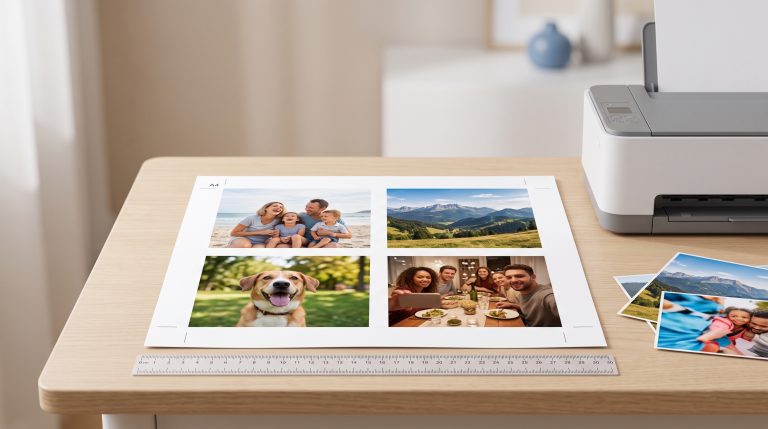
Printing on one page puts several photos on a single sheet, like a 4-photo grid. Printing on multiple pages splits one large image across several sheets so you can assemble a poster. One saves paper, and the other makes something bigger than your printer can handle.
Can I print multiple pictures on one page directly from my iPhone or Android?
Not with the built-in tools. Both print one photo per page from the gallery. You need a layout app such as PhotoPrinter, or you can build a collage first and print that single image.
How do I fix spacing and gaps when printing 4 pictures on one page?
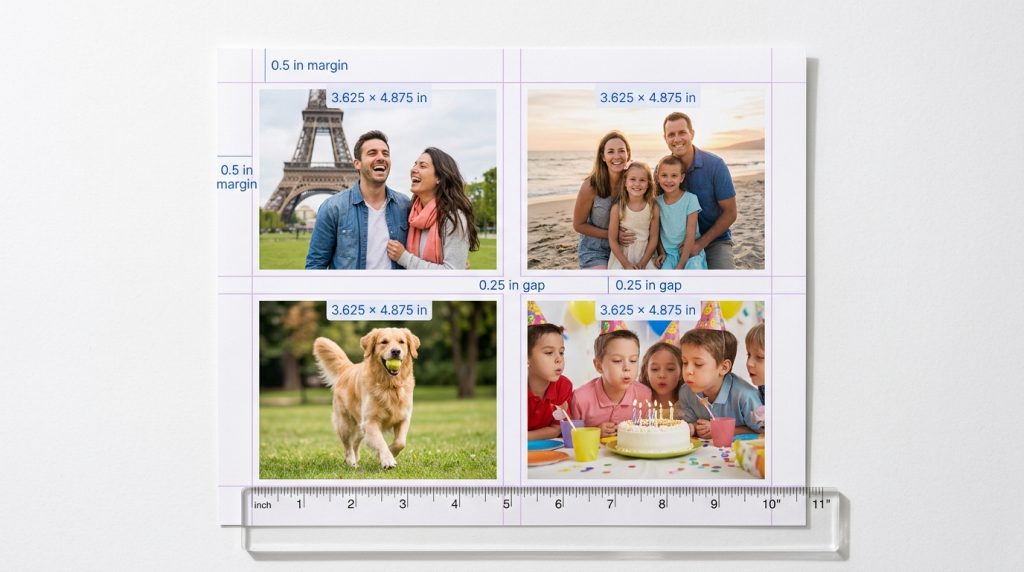
Set the margins and gaps yourself instead of leaving them to the printer, then check the preview. On Letter with 0.5 in margins and a 0.25 in gap, each photo is 3.625 × 4.875 in. Also make sure the print scale is 100%.
What size should each photo be if I'm printing 4 images on an 8.5×11 page?
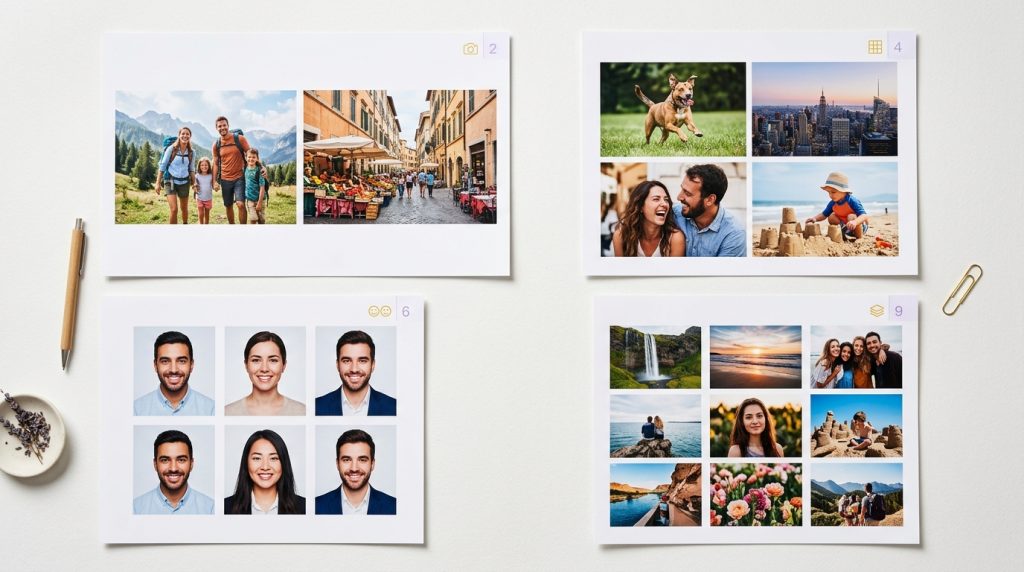
About 3.625 × 4.875 inches each, using 0.5 in margins and 0.25 in gaps. The full table above covers 2, 6 and 9 photos too.
Are the steps different for PhotoPrinter on Mac, iPhone and Android?
The steps to build the sheet are the same on all three. The difference is the last step: iPhone and Mac use AirPrint or the system print dialog, and Android uses its print service or Mopria.
Will printing multiple images on one page affect photo quality or colour?
Not by itself. Smaller prints actually need fewer pixels to look sharp, so a photo that's blurry at 8×10 may look fine at 4×5. What hurts quality is a low-resolution source, the wrong paper type, or a low print-quality setting. PhotoPrinter warns you if a photo is too low-resolution for the size you chose.
What's the easiest app to arrange and print multiple photos without confusion?
Look for one that shows a real-size preview and lets you type exact dimensions. That combination removes most of the guesswork. A PhotoPrinter was built around it.
How do I print on different paper sizes (A4, A3, 11×14) with PhotoPrinter?
Pick the paper size first and the layout redraws for it. Then use the size tables above as a guide, or type your own width and height.
Can I use a phone or portable printer with PhotoPrinter?
If the printer supports AirPrint or Mopria, you can print to it directly. If it only works through its own app, export your sheet as a file and print it from there. Note that many portable printers use fixed small paper, so pick a size that fits.
How does PhotoPrinter compare to other photo printing apps?
The main difference is that it's built around exact physical sizes, with a ruler, a preview and a low-resolution warning, instead of fancy collage templates. If you want decorative collages, a design app is a better fit. If you want prints that come out at the size you typed, PhotoPrinter is the one.