Photo Printer user avatar
100K+

Happy users

Stop guessing what size your photo will print

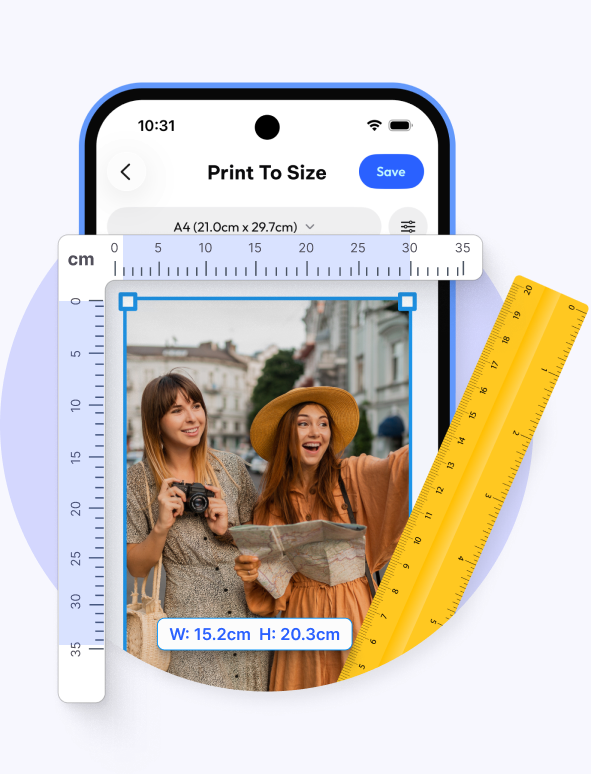
Set your 4×6 print size, a true 2×2 inch passport photo, or a custom size in millimetres. See the 100% unwarped, actual-size layout on screen before it reaches your home printer over Wi-Fi or AirPrint.

Photo Printer user avatar
100K+

Happy users

Free to download

Works with your printer

Photo Printer app showing photo size preview with ruler
Canon printer brand logo
Epson printer brand logo
Brother printer brand logo
Samsung printer brand logo
Xerox printer brand logo
Dell printer brand logo
Canon printer brand logo
Epson printer brand logo
Brother printer brand logo
Samsung printer brand logo
Xerox printer brand logo
Dell printer brand logo
Canon printer brand logo
Epson printer brand logo
Brother printer brand logo
Samsung printer brand logo
Xerox printer brand logo
Dell printer brand logo
How it works

Three steps between you and a photo that fits.

1

Select your paper size

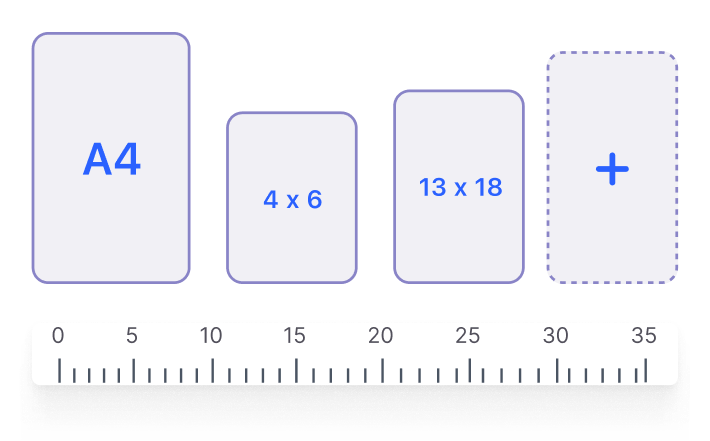
Choose A4, US Letter, 4×6, or whatever’s already sitting in your tray. The layout redraws instantly, matching your printer’s exact dimensions from the first sheet.

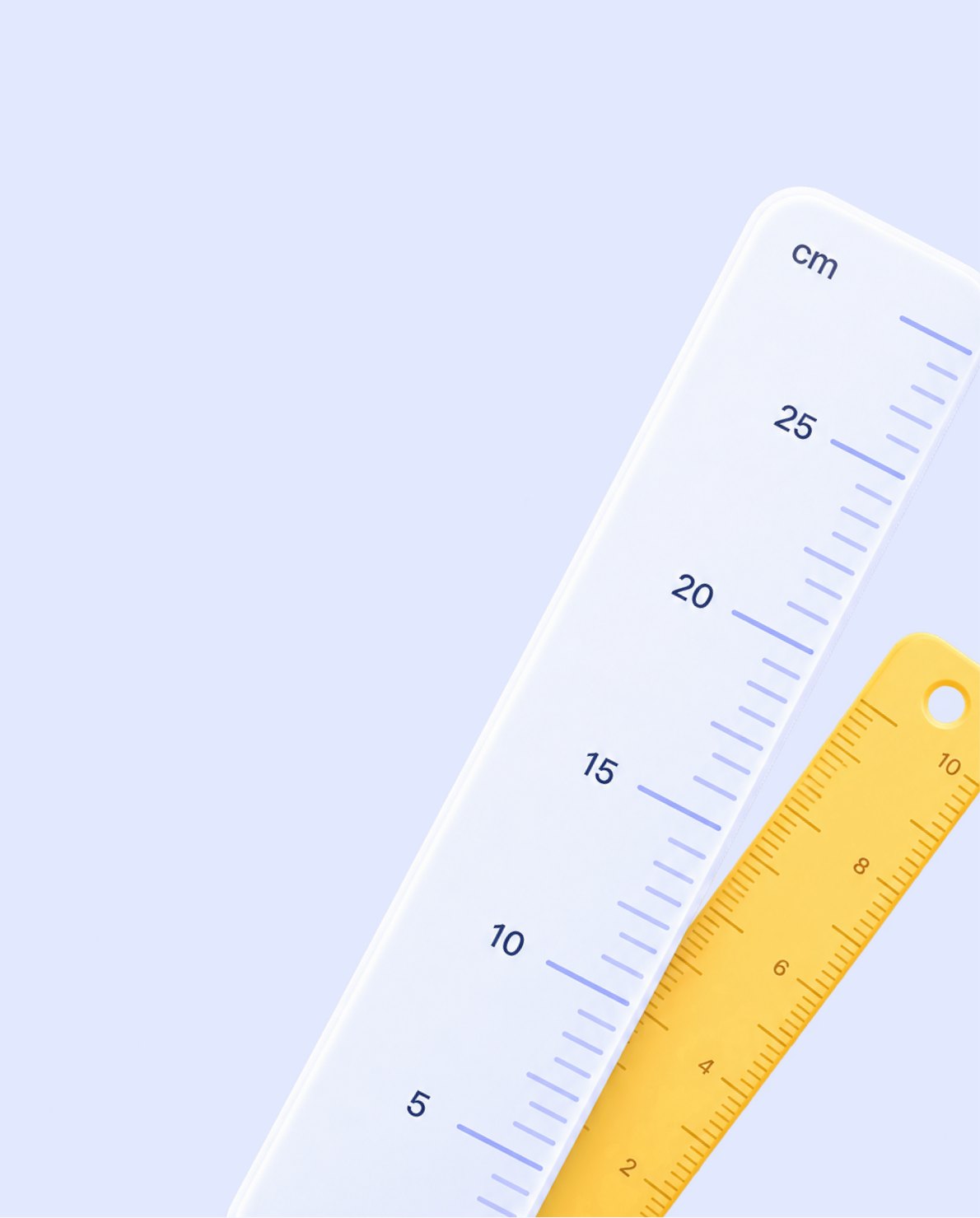
Paper size options A4, 4x6, 13x18 with a ruler
2

Add your photos or text

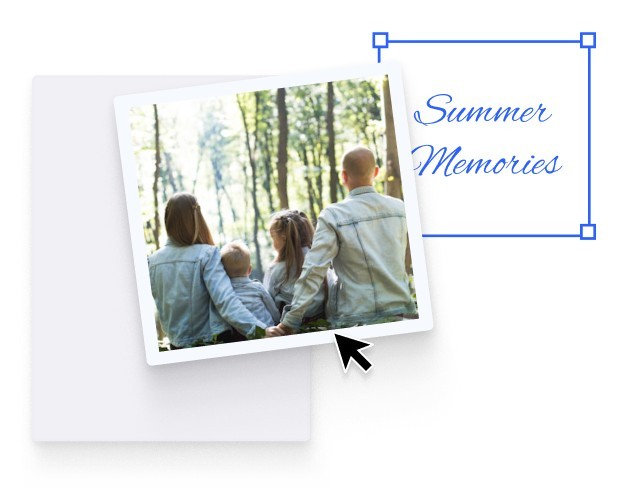
Bring in one photo or several: a passport headshot, a wallet print, a cropped frame photo. Add a caption or label right on the sheet without opening a separate editor.

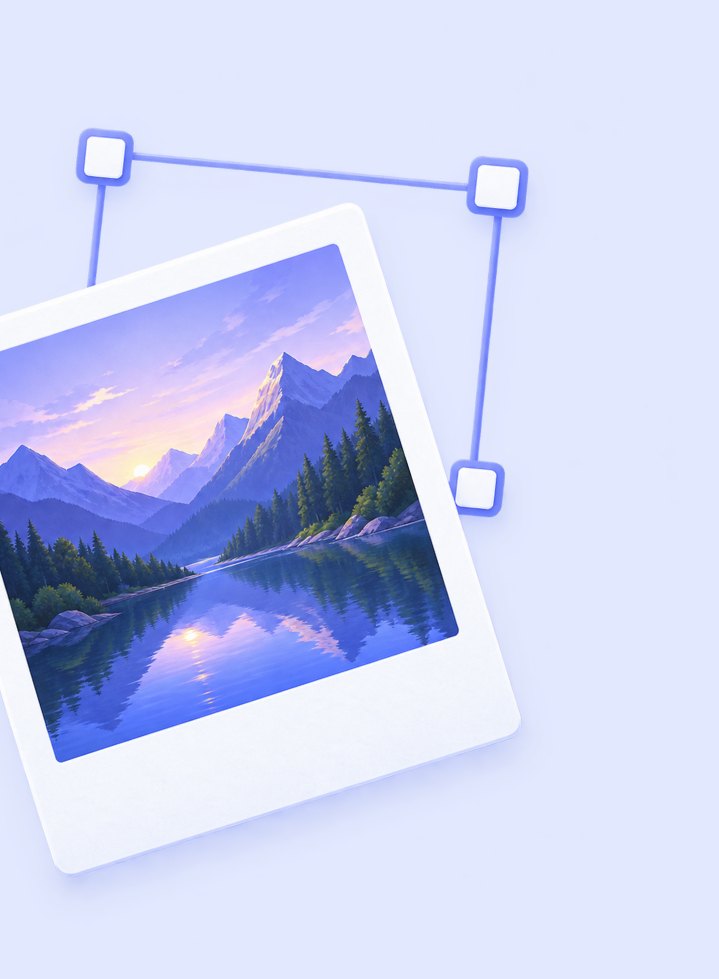
A photo placed on the canvas with a text label
3

Print or save your photos

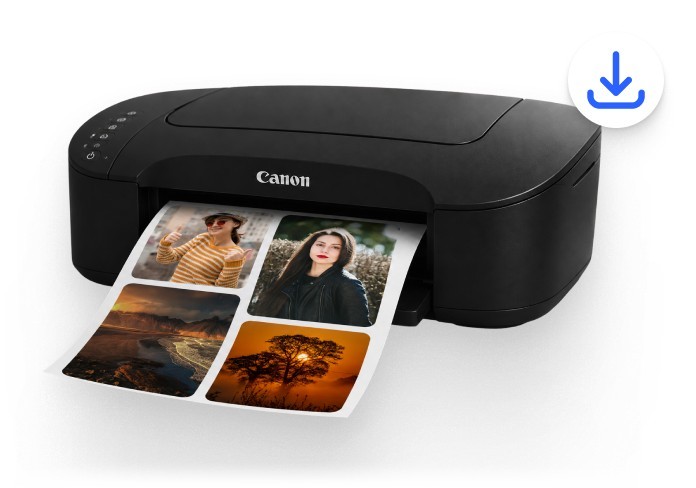
Send it wirelessly to your printer over AirPrint or Mopria at true 100% scale, or export a high-resolution file to print whenever you’re ready. Nothing gets auto-cropped along the way.

A printer producing photo prints
Inside the App

Have a look before you install.

The same screens you’ll see in the app, at a size you can actually read.

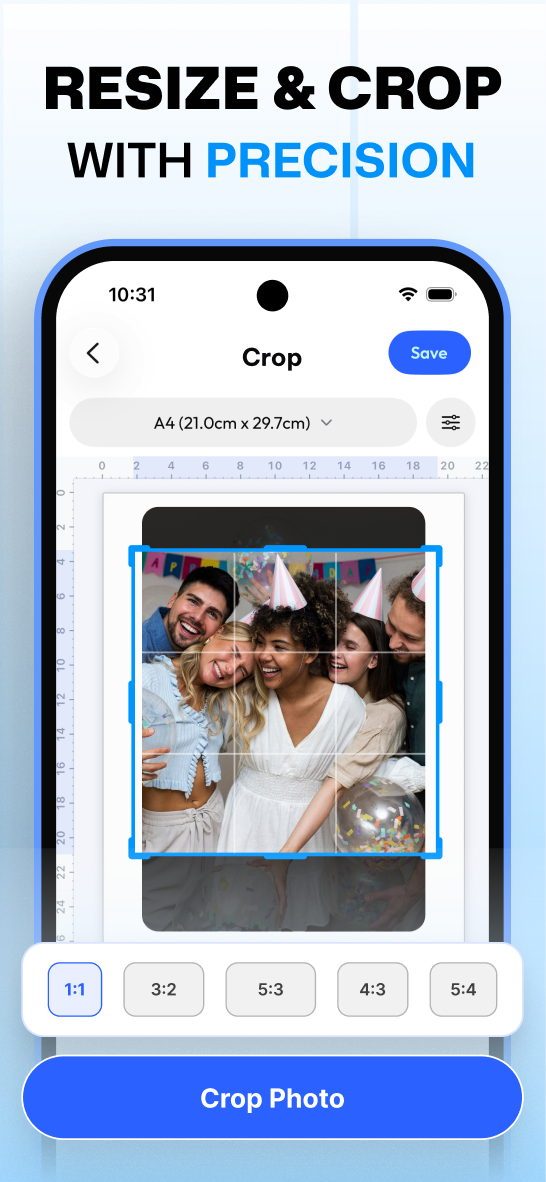
Photo Printer app screen: Resize and crop with precision
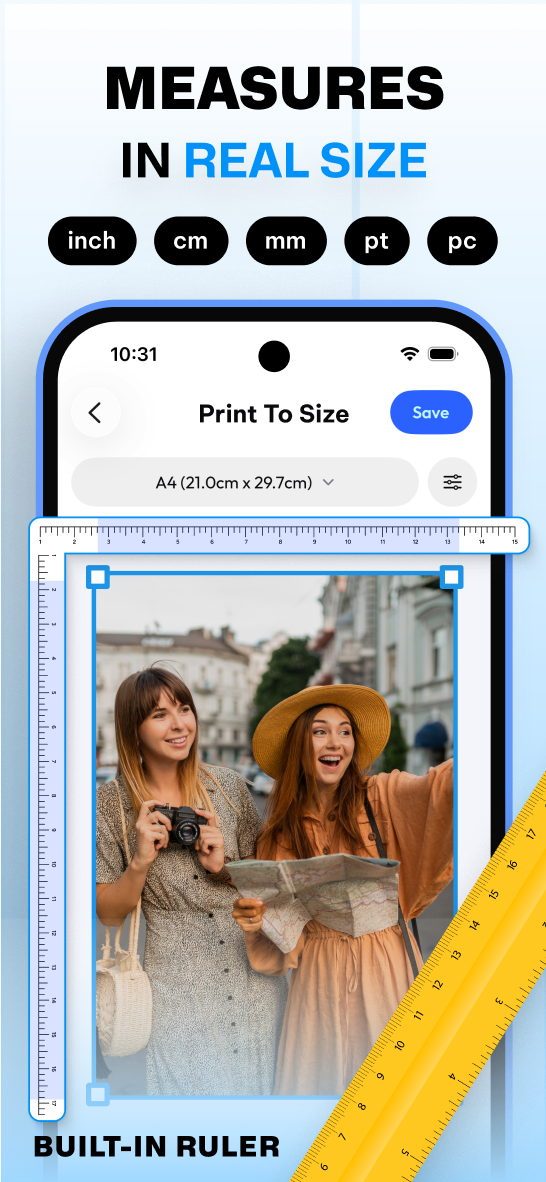
Photo Printer app screen: Measures in real size
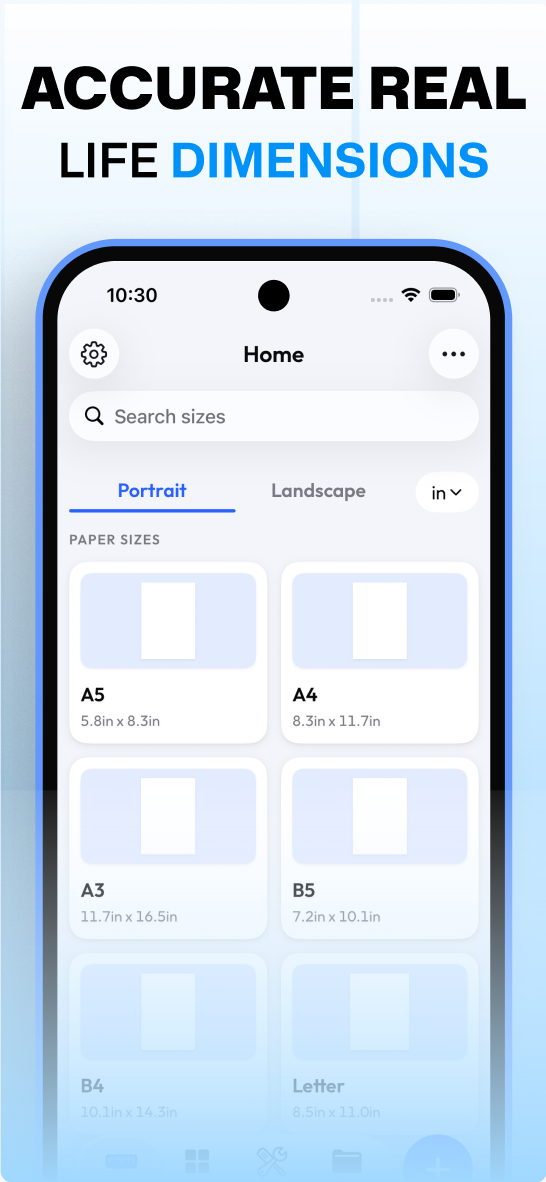
Photo Printer app screen: Accurate real-life dimensions
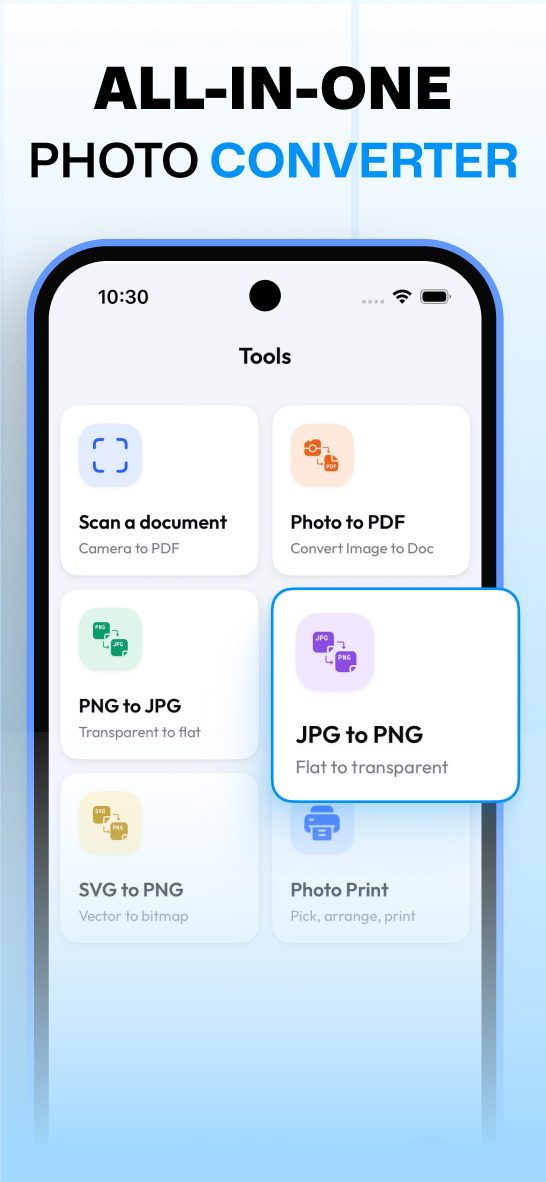
Photo Printer app screen: All-in-one photo converter
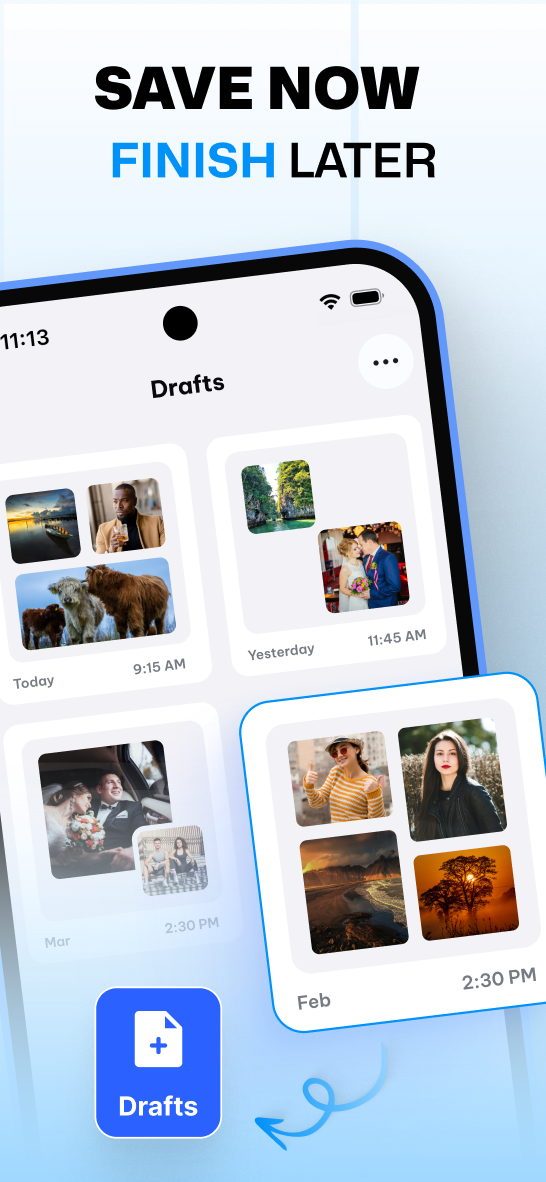
Photo Printer app screen: Save now, finish later
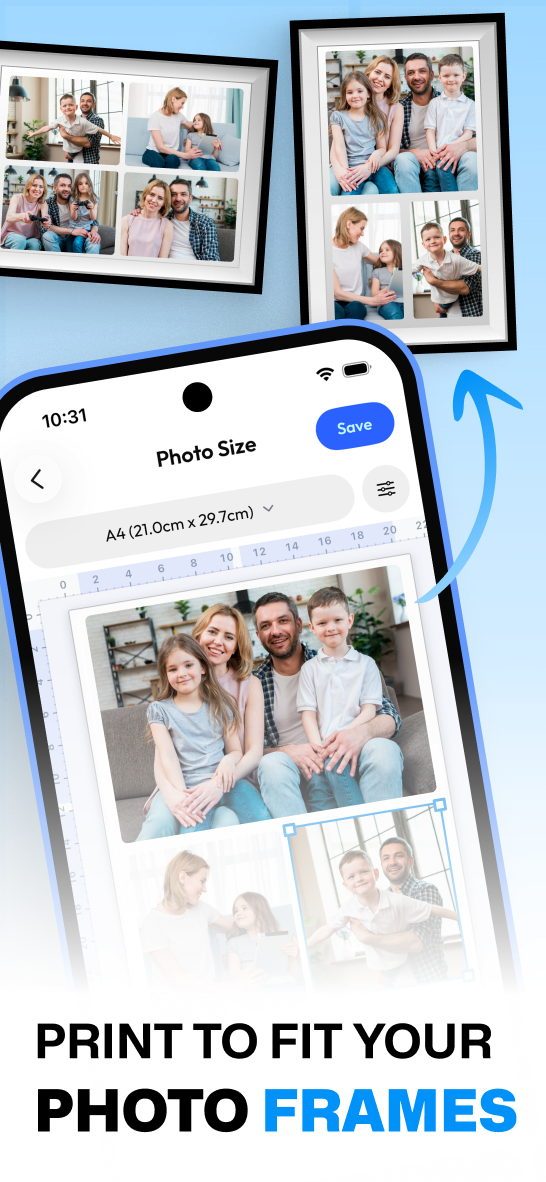
Photo Printer app screen: Print to fit your photo frames
Photo Printer app screen: Resize and crop with precision
Photo Printer app screen: Measures in real size
Photo Printer app screen: Accurate real-life dimensions
Photo Printer app screen: All-in-one photo converter
Photo Printer app screen: Save now, finish later
Photo Printer app screen: Print to fit your photo frames

Available on iPhone, iPad, Android, Apple Watch, and the web. Your projects sync everywhere.

A complete toolkit

Everything you need to get the size right.

A real ruler

Switch between centimetres and millimetres with one tap. Photo print size in cm matters when matching a frame or form measured in metric, viewed together.

Every paper size

Search for your paper instead of scrolling. A4, Letter, Legal, and 10×15 are here with exact specs, free print photo never means wrong size.

Make your own size

Standard presets don’t cover everything. To print to size for a locket insert, custom frame, or craft project, type your own width and height instantly.

Crop by the numbers

This is where passport and ID photos live. Tap the US 2×2 inch preset or the international 35x45mm format, and your crop lines up with what embassies actually require.

Save your drafts

Printing six wallet photos this month and the same layout again in December? Save the draft once, it’s ready next time, no rebuilding needed.

Extra tools

Rotate, duplicate, and adjust the tone inside the canvas, and automatic DPI/PPI quality can also be checked. If the image resolution is low, it warns you before printing.

In Plain Words

What is Photo Printer?

Photo Printer: Print to Size is a mobile app that sets a photo’s exact physical dimensions, in inches, centimetres, or millimetres, before it prints. It skips the printer’s default auto-scaling and fit-to-page distortion, so photos land precisely for frames, wallets, and official passport standards.
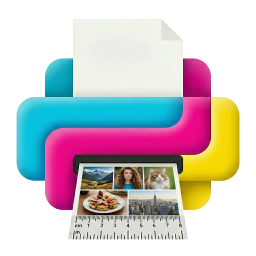
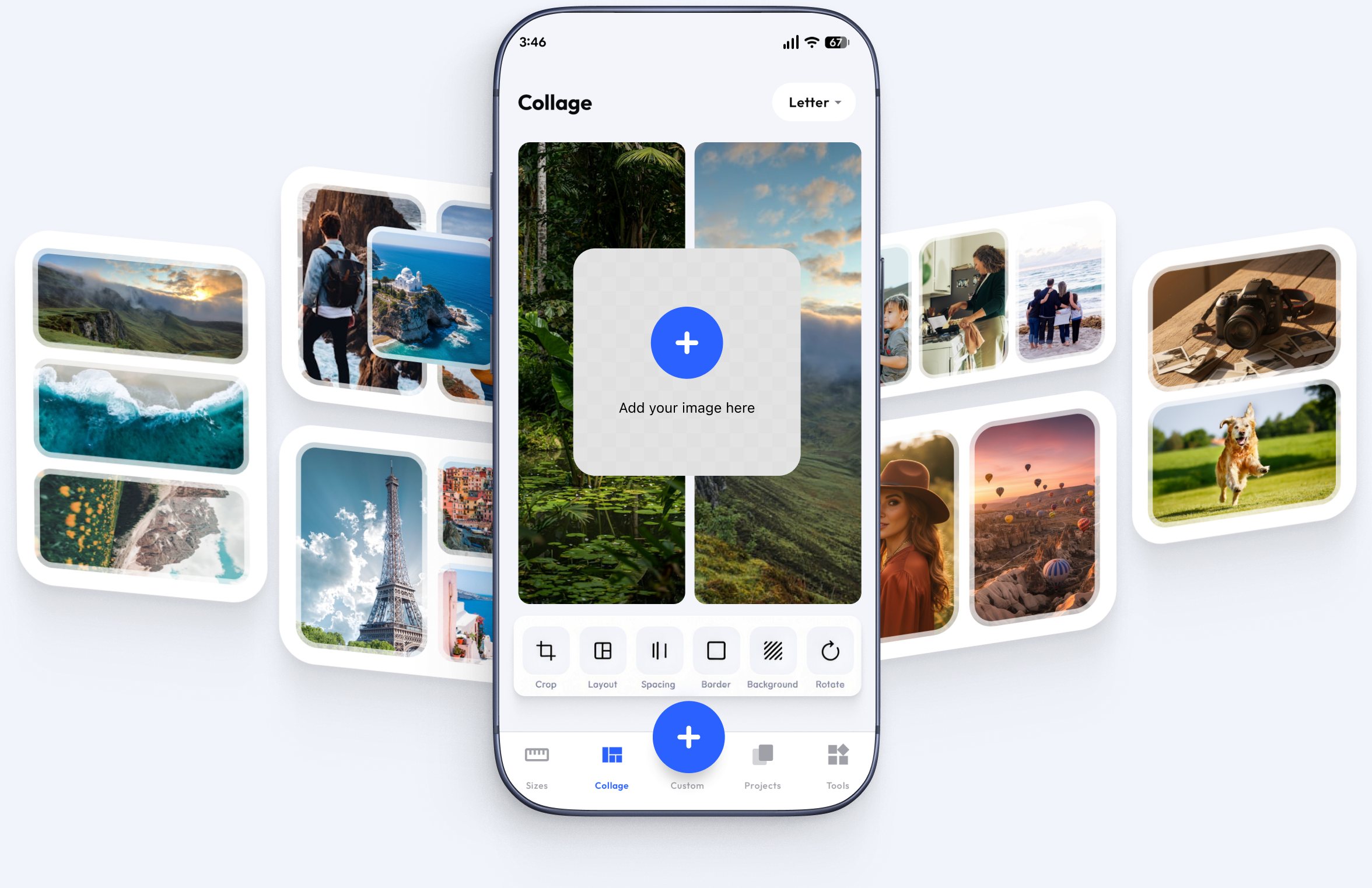
Photo Printer app collage screen with photo cards

Six photos. One sheet. Nothing wasted.

This is the print most people actually need and most photo printer apps make it difficult: six wallet-size photos, evenly spaced, on a single 4×6 or A4 sheet. Photo Printer has this layout built in: upload one photo, choose the six-up preset, and it arranges the grid with even margins so nothing gets trimmed off at the printer’s edge. One photo in, one full sheet of usable prints out, no paper spent on trial runs. The layout also builds in a margin for your printer’s feed rollers, so the edge of every photo stays intact instead of catching on the paper’s border.

Real people.real results.

Loved by people who print with confidence

FAQ

Frequently Asked Questions

Do I need a certain brand of printer?

No. Photo Printer works with any home or office printer that supports wireless printing, including HP, Canon, Epson, Brother, and Xerox. Just check your system’s print dialogue and set scaling to 100% or Actual Size instead of Fit to Page.

  1. Open Photo Printer and pick the 2×2 inch (51x51mm) preset.
  2. Import your photo and line your face up with the guide.
  3. Choose your paper, standard 4×6 photo paper or Letter/A4 both work.
  4. Switch to the multi-up layout to fit up to six copies on one sheet.
  5. Print with scaling set to 100% for a true-size result.
  1. Pick the six-on-one-sheet preset, or build your own multi-photo layout.
  2. Drop a photo into each slot on the sheet.
  3. Lock the aspect ratio and set the exact size for each image.
  4. The built-in margin gutters keep every photo clear of the paper’s edge before it prints.

Inches, centimetres, and millimetres are all supported, and you can switch between them at any point while sizing a photo. If you’re working from a photo print size in cm and a frame measured in inches, both stay visible.

Yes. Enter any custom width and height and the app treats it the same as a built-in preset, it saves, reopens, and reprints exactly as entered.

Yes. The app includes standard passport and ID presets, including the common 35x45mm format, so you can crop to a required size rather than an estimate.

Yes. Add several photos to one sheet, each sized independently, this is how the six-on-one-sheet layout works, and you can build custom multi-photo pages the same way.

No. Photo Printer sends your photo at its native, full resolution at the exact size you’ve set. If a photo’s resolution is too low for that size, the app flags it before you print, so you don’t waste paper on a blurry result.

No. Sizing, cropping, and layout all happen on your device. You only need a connection if you’re printing wirelessly to a network printer, which is the same requirement any printer connection has.

Your photos are processed on your own device to build the print layout. They aren’t uploaded anywhere to generate the print you see on screen.

No. What you print is a clean, full-quality file with no watermark or overlay added.

Yes. The layout adjusts to larger screens, which makes precise cropping and multi-photo arranging easier than on a phone.

Yes. The core sizing, cropping, and printing tools are free to use.

Printing photos is now simple.

Set the size, check the ruler, print once. Your frame finally has something in it.

Scan to
Download the App
Start your next project with confidence
Free to start · iOS, Android & Mac · Pro from $5/mo
Scan to
Download the App
Start your next project with confidence